OBSBOT Tiny 2 vs Insta360 Link 2 for AI Meetings
By FreqDeck · 9 min read · Updated June 2026
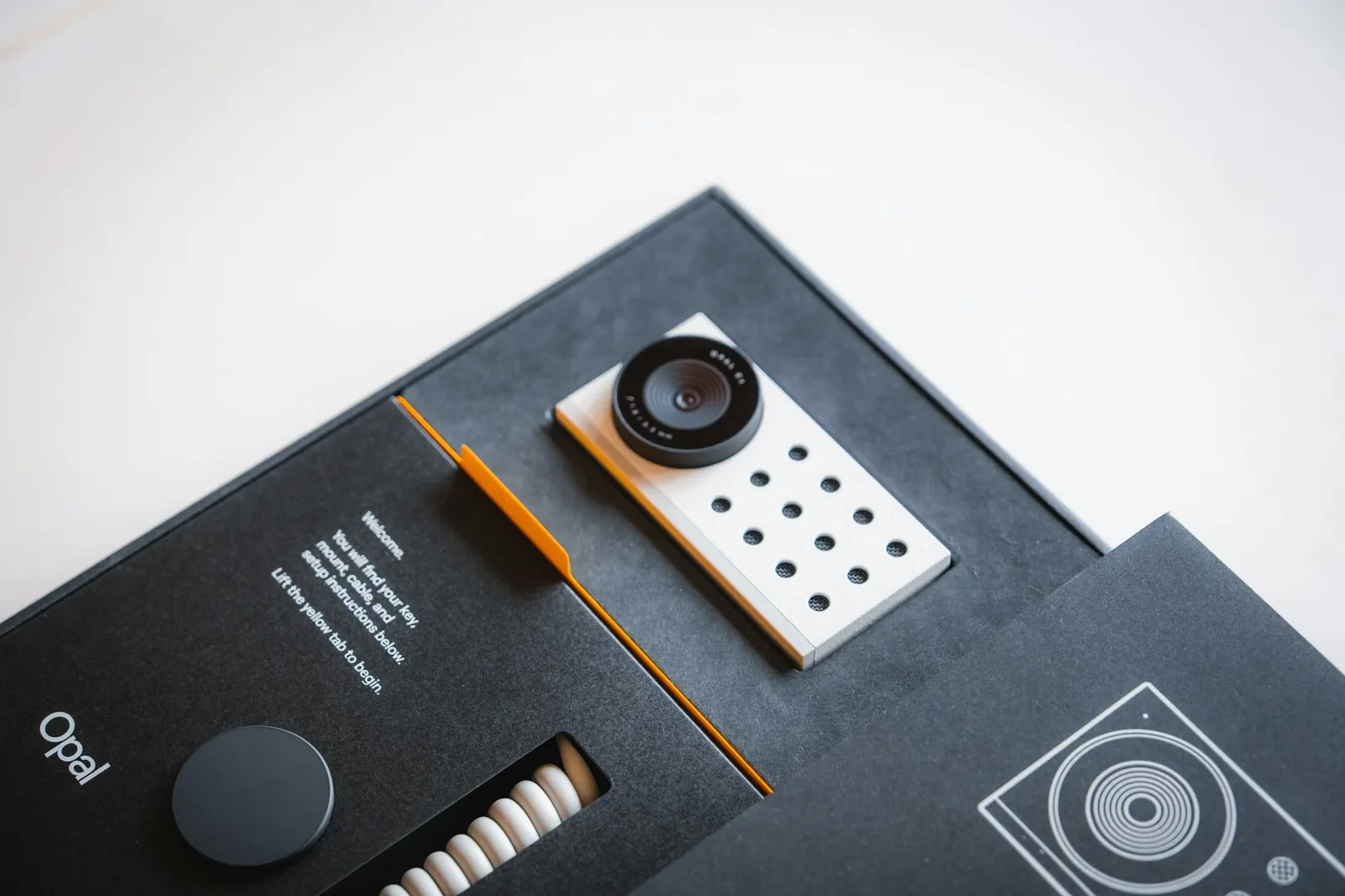
The OBSBOT Tiny 2 and Insta360 Link 2 are the two AI tracking webcams that developers ask about most often. Both have motorized gimbals, AI auto-framing, 4K sensors, and companion apps that configure tracking sensitivity and AI modes. Both route to direct affiliate programs at 8 to 10 percent for OBSBOT and 5 to 10 percent for Insta360, meaning neither is a generic Amazon recommendation. This guide gives you a genuine head-to-head on the specifications that matter for a developer who uses video calls, records Loom updates, or runs daily standups with a distributed team.
Quick answer
The OBSBOT Tiny 2 wins for developers who move during calls, stand at a desk, or need the fastest possible AI tracking. The Insta360 Link 2 wins for developers who primarily sit and want a wider range of AI scene modes including overhead view, whiteboard, and desk view, at a lower price.
This guide contains affiliate links. FreqDeck may earn a commission at no cost to you.
Who these webcams are for
Both the OBSBOT Tiny 2 and the Insta360 Link 2 are designed for a specific problem that standard webcams do not solve: keeping a person centered in frame as they move. Standard webcams have a fixed field of view. If you stand up, step left to a whiteboard, or turn to a second monitor, you disappear from the frame. AI tracking webcams use a motorized gimbal to follow you, or use digital cropping and AI reframing to keep you centered as you move.
For developers, this matters most in a few scenarios: daily standups where you explain architecture on a physical whiteboard, Loom recordings where you point at a second screen or gesture while explaining code, pair programming sessions where you move around your desk, and any meeting where you use a standing desk and want to stay in frame when you rise.
If you primarily sit at a desk during calls and rarely move, either camera delivers excellent AI framing, and the Insta360 Link 2 at $50 less may be the practical choice. If you move frequently, the OBSBOT Tiny 2 tracking speed is a meaningful advantage.
Sensor and image quality comparison
The OBSBOT Tiny 2 uses a 4K Sony sensor that produces sharp, natural video with good color reproduction in a range of lighting conditions. The 60fps option makes motion look smoother during fast movement, which is relevant for demonstrations and whiteboard sessions. HDR mode handles the bright window behind you versus the darker desk in front of you better than most webcams.
The Insta360 Link 2 uses a 4K sensor with a 150-degree wide-angle capability when the AI mode switches to wide view. In standard tracking mode the field of view is narrower and focused on the subject. The Link 2 sensor produces high-quality video but the Tiny 2 has a slight edge in color accuracy and dynamic range at equivalent settings based on side-by-side comparisons from users in the developer community.
For the flagship Insta360 option with the best sensor, the Insta360 Link 2 Pro at $349 uses a 1/1.5-inch sensor that produces noticeably better low-light performance and more natural depth-of-field than both the standard Link 2 and the OBSBOT Tiny 2. If image quality is the priority above tracking behavior, the Link 2 Pro is the premium choice in the Insta360 lineup.

OBSBOT Tiny 2
A 4K 60fps AI tracking webcam with a Sony sensor, gesture control, and an 8x digital zoom that keeps developers sharp and centered during coding standups and whiteboard sessions.

Insta360 Link 2
A 4K AI tracking webcam with a three-axis gimbal, multiple AI modes including whiteboard, overhead, and desk view, and a 150-degree wide-angle lens option.

Insta360 Link 2 Pro
The flagship Insta360 webcam with a 1/1.5-inch sensor, 4K 60fps, improved low-light performance, and the full suite of Link 2 AI modes including AI-powered background replacement.
AI tracking speed and accuracy
This is where the OBSBOT Tiny 2 has the clearest advantage. The Tiny 2 motorized gimbal tracks subject movement with lower latency than the Insta360 Link 2 in most side-by-side comparisons. When you stand up quickly or step sideways, the Tiny 2 pan-tilts to re-center you faster. On the Insta360 Link 2, there is a perceptible pause before the gimbal repositions, which is noticeable during fast movements.
For developers who move moderately or stand up slowly, the Link 2 tracking is fine. For developers who pace, gesture widely, or move quickly between a desk and a whiteboard, the OBSBOT tracking speed is the more comfortable experience. The OBSBOT Tiny 3 improves on the Tiny 2 with an upgraded NPU chip that further reduces tracking latency, particularly in multi-person scenes and challenging lighting.
Gesture control is a feature unique to OBSBOT. The OBSBOT Tiny 2 and OBSBOT Tiny 3 respond to specific hand gestures to lock tracking, take a snapshot, or zoom in, without touching the camera. For a developer in the middle of a coding session who wants to adjust the frame without interrupting the flow, gesture control is a genuinely useful feature rather than a gimmick.
OBSBOT Tiny 2
A 4K 60fps AI tracking webcam with a Sony sensor, gesture control, and an 8x digital zoom that keeps developers sharp and centered during coding standups and whiteboard sessions.

OBSBOT Tiny 3
OBSBOT's newest AI tracking webcam with an upgraded neural processing chip, improved low-light performance, and an expanded AI mode set including whiteboard auto-zoom and speaker tracking.
Insta360 Link 2
A 4K AI tracking webcam with a three-axis gimbal, multiple AI modes including whiteboard, overhead, and desk view, and a 150-degree wide-angle lens option.
AI modes: Insta360 Link 2 has more variety
The Insta360 Link 2 has a wider selection of AI scene modes than the OBSBOT lineup. The Link 2 includes standard tracking mode, whiteboard mode that zooms into and corrects a physical whiteboard for presentation quality, overhead mode for showing a keyboard or notebook from above, desk view that captures the desk surface, and portrait mode. This mode variety is useful for developers who switch between different types of content during meetings.
The OBSBOT Tiny 2 and OBSBOT Tiny 3 also have multiple AI modes including zone tracking, close-up mode, and desk mode, but the Insta360 mode set is slightly more extensive. The Insta360 Link 2 Pro adds AI-powered background replacement as an additional mode.
For a developer who primarily uses a camera in a standard tracking mode for calls and Loom recordings, the mode variety is not the deciding factor. For a developer who regularly switches between showing themselves, showing a whiteboard, and showing a physical desk for hardware reviews or keyboard showcases, the Insta360 mode range is a meaningful advantage.
Insta360 Link 2
A 4K AI tracking webcam with a three-axis gimbal, multiple AI modes including whiteboard, overhead, and desk view, and a 150-degree wide-angle lens option.
OBSBOT Tiny 2
A 4K 60fps AI tracking webcam with a Sony sensor, gesture control, and an 8x digital zoom that keeps developers sharp and centered during coding standups and whiteboard sessions.
OBSBOT Tiny 3
OBSBOT's newest AI tracking webcam with an upgraded neural processing chip, improved low-light performance, and an expanded AI mode set including whiteboard auto-zoom and speaker tracking.
Insta360 Link 2 Pro
The flagship Insta360 webcam with a 1/1.5-inch sensor, 4K 60fps, improved low-light performance, and the full suite of Link 2 AI modes including AI-powered background replacement.
Price and value comparison
The OBSBOT Tiny 2 at $329 is the more expensive option against the Insta360 Link 2 at $199. The OBSBOT Tiny 2 Lite at $179 brings the same AI tracking engine and gesture control as the Tiny 2 at a price below the Link 2, making it the value recommendation within the OBSBOT lineup. The Tiny 2 Lite uses the same neural processing chip with a 30fps cap instead of 60fps, which is the main trade-off.
The Insta360 Link 2C at $149 is the entry-level Insta360 option with the core AI tracking capability at the lowest price in either lineup. For developers who want AI auto-framing without spending $200 or more, the Link 2C is worth considering.
The affiliate commission structure is similar between the two: OBSBOT direct pays 8 to 10 percent and Insta360 direct pays 5 to 10 percent. The OBSBOT Tiny 2 at $329 with 8 percent commission earns $26.32 per sale; the Insta360 Link 2 at $199 with 8 percent earns $15.92. Both significantly outperform Amazon camera rates at 4 percent. Use the direct program for both brands in any comparison article, routing each product mention to its own brand program.
OBSBOT Tiny 2
A 4K 60fps AI tracking webcam with a Sony sensor, gesture control, and an 8x digital zoom that keeps developers sharp and centered during coding standups and whiteboard sessions.
Insta360 Link 2
A 4K AI tracking webcam with a three-axis gimbal, multiple AI modes including whiteboard, overhead, and desk view, and a 150-degree wide-angle lens option.

OBSBOT Tiny 2 Lite
The mid-range version of the Tiny 2 with 4K at 30fps, the same AI tracking engine, and gesture control at a lower price. The sweet spot for most developer desks.

Insta360 Link 2C
A compact, budget-friendly version of the Link 2 with AI auto-framing, 4K resolution, and the core Link AI tracking experience at an entry price.
Which one to buy
Buy the OBSBOT Tiny 2 if you: move during calls, stand at a desk regularly, whiteboard during meetings, record Loom walkthroughs where you step around, or want gesture control to adjust the frame hands-free. The tracking speed advantage and 60fps option make it the better choice for active users.
Buy the Insta360 Link 2 if you: primarily sit at a desk during calls, want more AI scene modes including overhead and desk view, prefer a $130 lower price than the Tiny 2, or are building out a setup where the extra modes are part of the appeal. The Link 2 image quality is excellent and the mode range is broader.
If budget is the primary constraint, the OBSBOT Tiny 2 Lite at $179 offers the OBSBOT tracking engine and gesture control at a competitive price. The 30fps limit is the only meaningful trade-off for standard meeting use.
For the best-in-category image quality regardless of brand, the Insta360 Link 2 Pro at $349 and the OBSBOT Tiny 3 at $299 are the premium tier. Both represent a genuine upgrade in image quality and AI processing over their respective mid-range siblings.
OBSBOT Tiny 2
A 4K 60fps AI tracking webcam with a Sony sensor, gesture control, and an 8x digital zoom that keeps developers sharp and centered during coding standups and whiteboard sessions.
Insta360 Link 2
A 4K AI tracking webcam with a three-axis gimbal, multiple AI modes including whiteboard, overhead, and desk view, and a 150-degree wide-angle lens option.
OBSBOT Tiny 2 Lite
The mid-range version of the Tiny 2 with 4K at 30fps, the same AI tracking engine, and gesture control at a lower price. The sweet spot for most developer desks.
OBSBOT Tiny 3
OBSBOT's newest AI tracking webcam with an upgraded neural processing chip, improved low-light performance, and an expanded AI mode set including whiteboard auto-zoom and speaker tracking.
Insta360 Link 2 Pro
The flagship Insta360 webcam with a 1/1.5-inch sensor, 4K 60fps, improved low-light performance, and the full suite of Link 2 AI modes including AI-powered background replacement.
Featured in this guide
OBSBOT Tiny 2
A 4K 60fps AI tracking webcam with a Sony sensor, gesture control, and an 8x digital zoom that keeps developers sharp and centered during coding standups and whiteboard sessions.
OBSBOT Tiny 2 Lite
The mid-range version of the Tiny 2 with 4K at 30fps, the same AI tracking engine, and gesture control at a lower price. The sweet spot for most developer desks.
OBSBOT Tiny 3
OBSBOT's newest AI tracking webcam with an upgraded neural processing chip, improved low-light performance, and an expanded AI mode set including whiteboard auto-zoom and speaker tracking.
Insta360 Link 2
A 4K AI tracking webcam with a three-axis gimbal, multiple AI modes including whiteboard, overhead, and desk view, and a 150-degree wide-angle lens option.
Insta360 Link 2 Pro
The flagship Insta360 webcam with a 1/1.5-inch sensor, 4K 60fps, improved low-light performance, and the full suite of Link 2 AI modes including AI-powered background replacement.
Insta360 Link 2C
A compact, budget-friendly version of the Link 2 with AI auto-framing, 4K resolution, and the core Link AI tracking experience at an entry price.
FAQ
Frequently asked questions
Is OBSBOT Tiny 2 or Insta360 Link 2 better for developers?+
OBSBOT Tiny 2 is better for developers who move during calls or stand at a desk, because its AI tracking speed and 60fps output make active use smoother. Insta360 Link 2 is better for developers who primarily sit and want more AI scene modes, including overhead and whiteboard view, at a lower price. Both are excellent and both route to direct affiliate programs at 8 to 10 percent commission.
What does AI tracking actually do in these webcams?+
AI tracking uses a built-in neural processing chip to detect a human subject in the camera frame and motor the gimbal to follow them as they move. When you stand up, step left, or turn to a second monitor, the camera repositions itself to keep you centered. The tracking happens on-device without sending video to a cloud server. It means you stay in frame during meetings without asking someone to hold the camera or repositioning it manually.
Do OBSBOT and Insta360 webcams work with Zoom and Teams?+
Yes. Both appear as standard USB video devices to any application that accepts a webcam input. Zoom, Microsoft Teams, Google Meet, Loom, OBS, and any other video software sees them as a normal webcam. The AI tracking and mode switching happen on the camera itself. The companion app is only needed to configure sensitivity, modes, and firmware updates, not for basic video call use.