How to Build a Voice-Driven AI Coding Setup Under $500
By FreqDeck · 12 min read · Updated June 2026
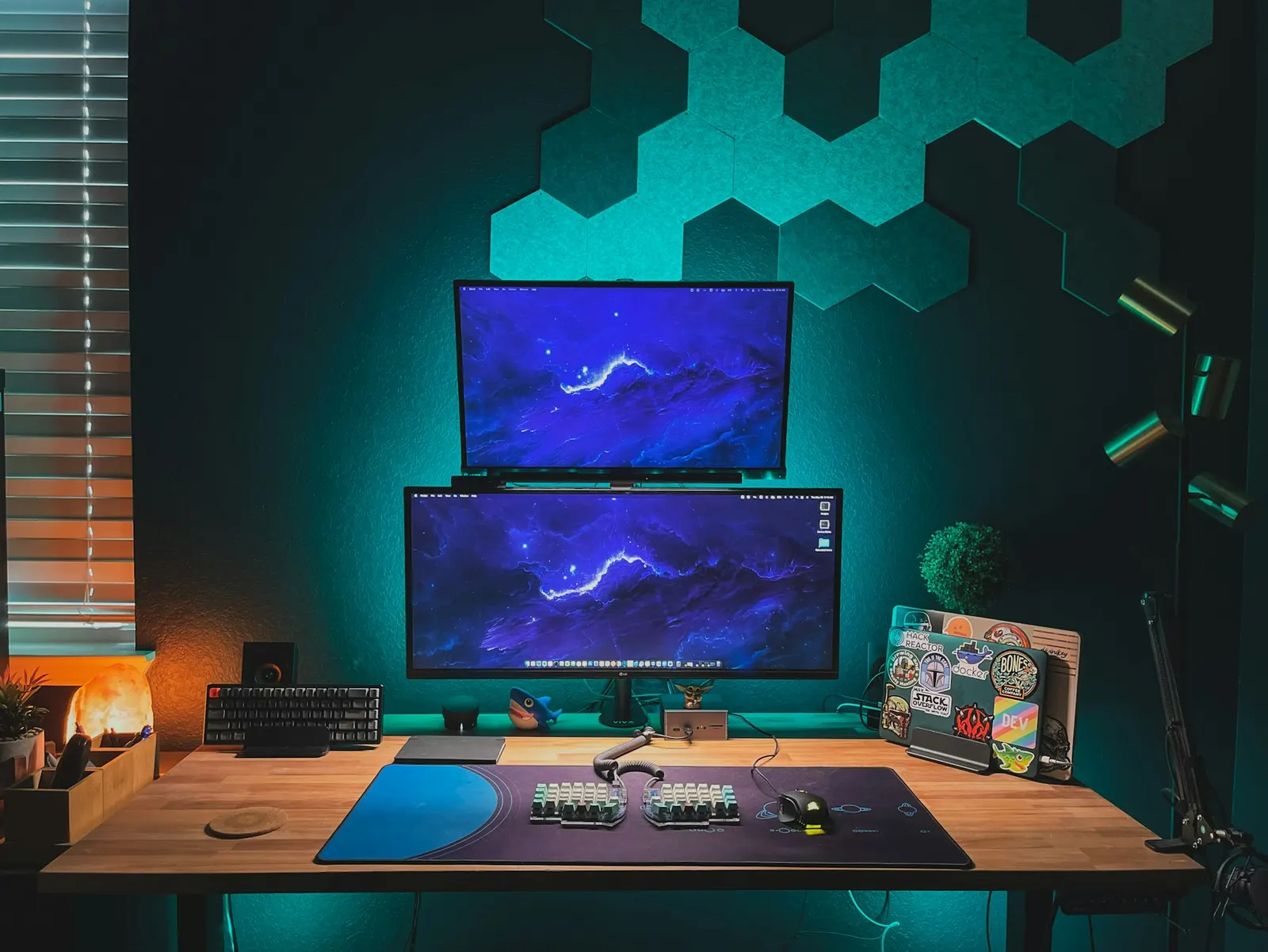
Voice-driven AI coding is a workflow that rewards the right hardware more than most developer setups. The microphone determines how accurately Cursor or Claude Code hears your prompts. The webcam determines how you appear on standups and pair-programming sessions. The headset determines how well you isolate from background noise during focus blocks and calls. You can build a complete voice-coding setup for under $500 that covers all three, or you can spend $200 on just the microphone and skip the rest for now. This guide walks both paths, with honest trade-offs at each budget tier and explicit product links so you can see exactly what you are buying.
Quick answer
A complete voice-driven AI coding setup under $500 includes the Rode PodMic USB on a Rode PSA1+ boom arm for voice input, the OBSBOT Tiny 2 Lite for AI-tracked video calls, and either an AI noise-cancelling headset for meetings or dedicated headphones for audio monitoring. Start with the microphone and arm; add the webcam when budget allows.
This guide contains affiliate links. FreqDeck may earn a commission at no cost to you.
The three-component voice coding hardware stack
A complete voice-coding hardware setup has three components that each serve a distinct function. The microphone captures your voice and determines the accuracy of the transcription layer that converts speech to prompts for Cursor, Claude Code, or whichever AI tool you use. The webcam keeps you in frame during video calls and standups so you appear professional and present without managing the camera manually. The headset or headphones isolate you from background noise during focus sessions and calls.
You do not need all three immediately. Start with the microphone because it directly affects the quality of code the AI generates. Add the webcam when you start having regular video calls or recording async updates. Add the headset or headphones when background noise during calls becomes a friction point. This order of priorities matches where the workflow improvement is largest.
The total under $500 budget breaks down roughly as: microphone and arm $200 to $350, webcam $150 to $200, headset or headphones $80 to $150 if anything is left. You can cover all three within the budget if you choose the mid-tier options in each category.
Microphone and boom arm: the core investment
The Rode PodMic USB at $199 is the microphone recommendation for this setup. Its dynamic cardioid capsule rejects room noise, HVAC, and keyboard sound more aggressively than any condenser at the same price, which directly translates to better transcription accuracy in Whisper-based tools. The USB-C output connects directly to any modern laptop. When you are ready to upgrade your audio chain with an interface, the XLR output is already there.
Pair the Rode PodMic USB with the Rode PSA1+ Professional Swivel Mount Studio Arm arm at $139. The PSA1+ handles the weight of the PodMic USB without sagging, routes the cable internally so the desk stays clean, and holds position precisely under load. This is the pairing that developer voice-coders in the Cursor and Wispr Flow communities consistently use when asked about their setup. Both route to Rode direct at 15 percent commission, which is how the voice-coding site revenue model works.
If the $338 combined cost of the PodMic USB and PSA1+ is more than you want to spend right now, the Audio-Technica ATR2100x-USB at $79 with the InnoGear Heavy Duty Microphone Boom Arm at $30 gives you a functional dynamic cardioid setup for $109. The noise rejection is not quite as aggressive as the Rode pairing, but it is a major step up from a laptop microphone and will produce noticeably better Cursor and Claude Code accuracy.
Add the Aokeo Professional Microphone Pop Filter at $10 to either setup to block plosive sounds on P and B words. This is cheap insurance against plosive artifacts in the transcription output.

Rode PodMic USB
A broadcast-grade dynamic mic with both USB-C and XLR outputs, tight cardioid pattern, and a built-in headphone output. The top Whisper and Wispr Flow recommendation in developer communities.

Rode PSA1+ Professional Swivel Mount Studio Arm
The professional broadcast studio arm that handles heavier mics like the Rode PodMic USB without sagging, with full internal cable routing and smooth friction-controlled movement.

Audio-Technica ATR2100x-USB
A dynamic cardioid mic with both USB-C and XLR outputs, clean preamp, and a warm sound character. A long-running developer favorite for AI dictation on a tight budget.
InnoGear Heavy Duty Microphone Boom Arm
A budget steel boom arm with dual-spring tension, desk clamp, and 5/8-inch thread. A reliable first boom arm for developers who need positioning without spending $100.

Aokeo Professional Microphone Pop Filter
A double-layer nylon mesh pop filter on a flexible gooseneck clamp that attaches to any boom arm and blocks plosive breath sounds without muffling high-frequency voice detail.
Webcam: AI tracking for standups and pair programming
The OBSBOT Tiny 2 Lite at $179 is the webcam recommendation for this under-$500 build. It has the same AI tracking engine as the flagship OBSBOT Tiny 2 with a 30fps cap instead of 60fps, which is an acceptable trade-off for meeting use. The gesture control lets you lock tracking or zoom without touching the camera, which is useful during a coding session when your hands are on the keyboard. It routes to OBSBOT direct at 8 to 10 percent.
If you want to save $30 and try the Insta360 ecosystem, the Insta360 Link 2C at $149 provides core AI auto-framing in a compact body. The mode range is more limited than the full Insta360 Link 2 but covers standard tracking for meetings. It routes to Insta360 direct at 5 to 10 percent.
For the developer who runs daily standups, records Loom walkthroughs, or does whiteboard explanations during pair programming, either AI tracking webcam is a visible upgrade from a standard webcam. When the camera follows you automatically, you look more professional and you can focus on what you are saying rather than whether you are in frame.

OBSBOT Tiny 2 Lite
The mid-range version of the Tiny 2 with 4K at 30fps, the same AI tracking engine, and gesture control at a lower price. The sweet spot for most developer desks.

OBSBOT Tiny 2
A 4K 60fps AI tracking webcam with a Sony sensor, gesture control, and an 8x digital zoom that keeps developers sharp and centered during coding standups and whiteboard sessions.

Insta360 Link 2C
A compact, budget-friendly version of the Link 2 with AI auto-framing, 4K resolution, and the core Link AI tracking experience at an entry price.

Insta360 Link 2
A 4K AI tracking webcam with a three-axis gimbal, multiple AI modes including whiteboard, overhead, and desk view, and a 150-degree wide-angle lens option.
Optional: audio interface for XLR upgrade path
If you start with the Rode PodMic USB in USB mode and later decide you want better gain control, preamp quality, and zero-latency monitoring, the XLR upgrade path is straightforward. The Rode AI-1 Audio Interface at $99 is the Rode-optimized single-channel interface with zero-latency hardware monitoring. The Focusrite Scarlett Solo 4th Gen at $120 is the more universally compatible choice with Air mode that adds voice clarity useful for dictation.
Either interface routes to Guitar Center at 4 to 6 percent for the Focusrite and to Rode direct at 15 percent for the AI-1. If you are building a Rode-centric voice-coding setup and want to maximize Rode direct commission, the AI-1 is the natural recommendation.
Adding an interface is not a day-one requirement. Most developers using voice coding tools find the USB output of the Rode PodMic USB perfectly adequate. An interface becomes relevant when you notice you are maxing the software gain to achieve a clean recording level, which indicates the laptop preamp is limiting you. That is the signal to upgrade.

Rode AI-1 Audio Interface
Rode's own single-channel audio interface with a studio-grade preamp, zero-latency hardware monitoring, and tight integration with Rode mics including the NT1 and PodMic XLR.

Focusrite Scarlett Solo 4th Gen
The most popular audio interface for home studios and developer setups, with a clean low-noise preamp, Air mode for voice clarity, USB-C, and class-compliant macOS support without a driver.
Complete setup budgets at three tiers
Tier 1, entry under $150: MXL AC-44 USB Microphone at $40 plus InnoGear Heavy Duty Microphone Boom Arm at $30 plus InnoGear Universal Shock Mount at $12 plus Aokeo Professional Microphone Pop Filter at $10 plus a standard webcam you already own. Total around $95 for the audio chain. This gets you off the laptop microphone and onto a dedicated desk mic. The MXL AC-44 omnidirectional pattern is the limitation; move up to a cardioid when budget allows.
Tier 2, mid around $300: Audio-Technica ATR2100x-USB at $79 plus Elgato Wave Mic Arm Low Profile at $69 plus Aokeo Professional Microphone Pop Filter at $10 plus Insta360 Link 2C at $149. Total $307. A dynamic cardioid microphone on a quality low-profile arm with AI webcam tracking. This covers both the voice-coding input quality and the meeting video quality in one budget.
Tier 3, recommended under $500: Rode PodMic USB at $199 plus Rode PSA1+ Professional Swivel Mount Studio Arm at $139 plus OBSBOT Tiny 2 Lite at $179 plus Aokeo Professional Microphone Pop Filter at $10. Total $527, slightly over, but all four items are the recommended pieces in their category. You can trim by choosing the Insta360 Link 2C instead of the OBSBOT to bring total below $500. This is the setup that most voice-coding developers in the Cursor and Wispr Flow communities are running.

MXL AC-44 USB Microphone
The mic that gets the most mentions on developer blogs covering AI dictation on a budget. Omnidirectional cardioid pickup with a small desktop form factor and no arm required.
InnoGear Heavy Duty Microphone Boom Arm
A budget steel boom arm with dual-spring tension, desk clamp, and 5/8-inch thread. A reliable first boom arm for developers who need positioning without spending $100.

InnoGear Universal Shock Mount
A budget elastic shock mount with a universal 5/8-inch thread adapter that fits most USB microphones and reduces desk vibration noise for a cleaner dictation signal.
Aokeo Professional Microphone Pop Filter
A double-layer nylon mesh pop filter on a flexible gooseneck clamp that attaches to any boom arm and blocks plosive breath sounds without muffling high-frequency voice detail.
Audio-Technica ATR2100x-USB
A dynamic cardioid mic with both USB-C and XLR outputs, clean preamp, and a warm sound character. A long-running developer favorite for AI dictation on a tight budget.

Elgato Wave Mic Arm Low Profile
A low-profile boom arm designed to keep the microphone in the lower field of view, out of the webcam frame, with internal cable routing and a desk clamp rated for lighter mics.
Insta360 Link 2C
A compact, budget-friendly version of the Link 2 with AI auto-framing, 4K resolution, and the core Link AI tracking experience at an entry price.
Rode PodMic USB
A broadcast-grade dynamic mic with both USB-C and XLR outputs, tight cardioid pattern, and a built-in headphone output. The top Whisper and Wispr Flow recommendation in developer communities.
Rode PSA1+ Professional Swivel Mount Studio Arm
The professional broadcast studio arm that handles heavier mics like the Rode PodMic USB without sagging, with full internal cable routing and smooth friction-controlled movement.
OBSBOT Tiny 2 Lite
The mid-range version of the Tiny 2 with 4K at 30fps, the same AI tracking engine, and gesture control at a lower price. The sweet spot for most developer desks.
Featured in this guide
Rode PodMic USB
A broadcast-grade dynamic mic with both USB-C and XLR outputs, tight cardioid pattern, and a built-in headphone output. The top Whisper and Wispr Flow recommendation in developer communities.
Rode PSA1+ Professional Swivel Mount Studio Arm
The professional broadcast studio arm that handles heavier mics like the Rode PodMic USB without sagging, with full internal cable routing and smooth friction-controlled movement.
OBSBOT Tiny 2 Lite
The mid-range version of the Tiny 2 with 4K at 30fps, the same AI tracking engine, and gesture control at a lower price. The sweet spot for most developer desks.
Audio-Technica ATR2100x-USB
A dynamic cardioid mic with both USB-C and XLR outputs, clean preamp, and a warm sound character. A long-running developer favorite for AI dictation on a tight budget.
Insta360 Link 2
A 4K AI tracking webcam with a three-axis gimbal, multiple AI modes including whiteboard, overhead, and desk view, and a 150-degree wide-angle lens option.
Aokeo Professional Microphone Pop Filter
A double-layer nylon mesh pop filter on a flexible gooseneck clamp that attaches to any boom arm and blocks plosive breath sounds without muffling high-frequency voice detail.
FAQ
Frequently asked questions
What is the minimum hardware investment for voice coding with Cursor?+
You can start voice coding with Cursor using any microphone that appears as an audio input device. The laptop microphone works, but transcription accuracy and code quality improve significantly with a dedicated cardioid microphone. The minimum useful hardware investment is around $80 to $110: the Audio-Technica ATR2100x-USB at $79 plus the InnoGear boom arm at $30. A dedicated dynamic mic on a boom arm positioned close to your mouth makes a real, measurable difference in how often Cursor gets the prompt right on the first attempt.
Do I need a separate webcam if I already have one built into my laptop?+
Not immediately. A laptop webcam works for basic video calls. A dedicated AI tracking webcam becomes worth considering when you: use a standing desk and go out of frame when you stand up, regularly explain architecture on a whiteboard during calls, record Loom updates where consistent framing matters, or are on camera frequently enough that how you look on calls affects your professional presence. For developers who are primarily on audio-only calls and occasional video, a laptop webcam is fine as a starting point.
Is a noise-cancelling headset better than a good microphone for voice coding?+
For the voice-coding use case, a good directional desk microphone is more important than a noise-cancelling headset. The microphone determines what the AI transcription layer hears. A noise-cancelling headset helps you hear the call clearly and blocks noise from reaching your ears, but its outbound mic noise-cancellation is usually less effective for precise dictation than a dedicated dynamic cardioid on a boom arm positioned correctly. If you have to choose, invest in the microphone first.